 Kelra
KelraBring the work together.
Scan a page, import a PDF, or connect Google Classroom. Review the recognized text before you move on.
A little more room in your teaching day
From the stack on your desk to feedback that helps. Capture student work, prepare thoughtful drafts, and keep every decision yours.
Coming soon for iPhone and iPad.
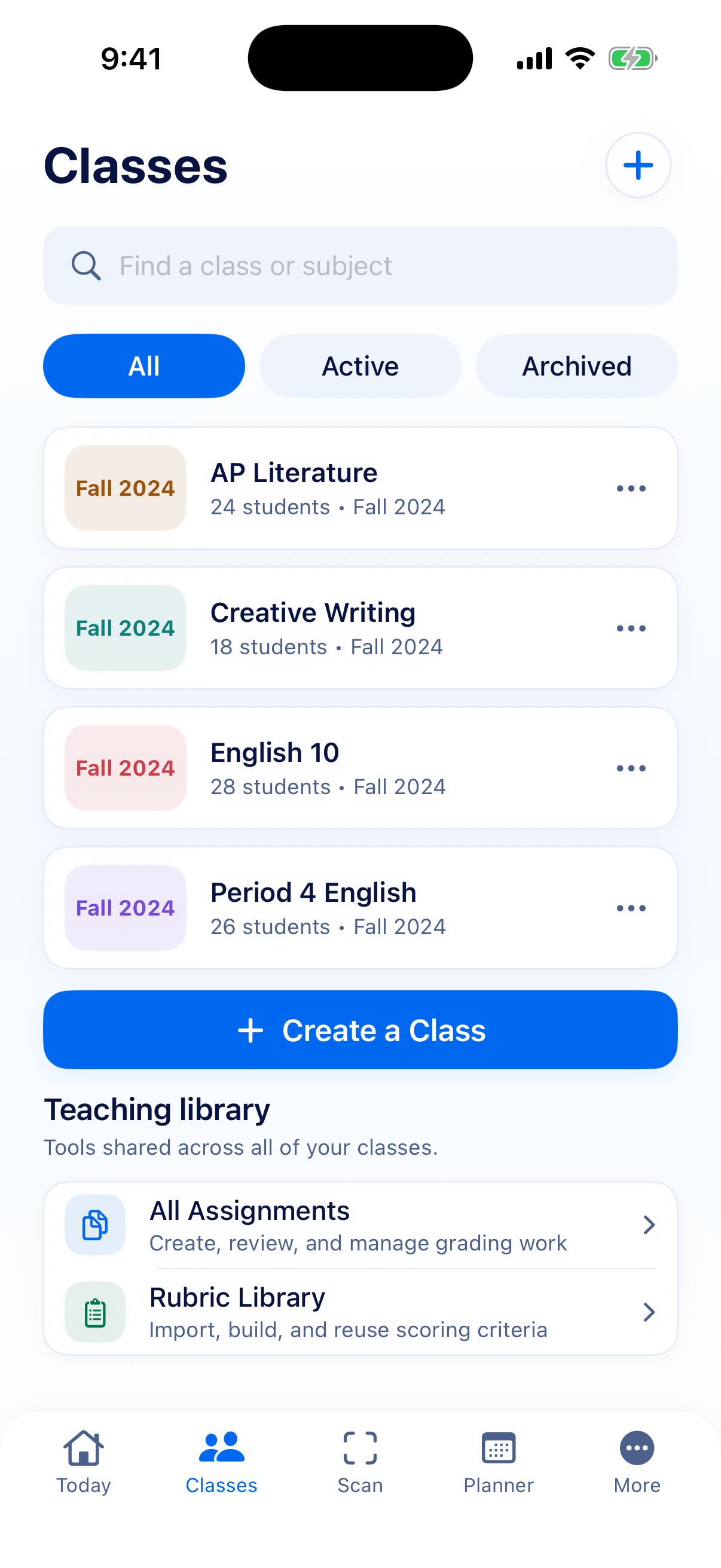
Built around your rubric
Teacher-reviewed feedback
Your saved work stays yours
From paper to possibility
One place for the work, the rubric, and the next step. A workflow that keeps you close to what your students are learning.
Scan a page, import a PDF, or connect Google Classroom. Review the recognized text before you move on.
Use your rubric to score manually or ask for an AI draft. Your criteria give the feedback its direction.
Check the evidence, edit the score, and put feedback in your own voice. You decide what is ready to share.
“Your explanation makes a clear point. Add one example from the text to show how you reached it.”
Illustrative feedback. AI output can be wrong and needs review.
Assistance, on your terms
Good feedback takes care. Kelra gives you a place to begin, with room for the context only you know.
Choose when to use AI and what to send. Local scanning, manual scoring, and planning work without an AI upload.
A few things worth knowingUseful from the start
Start with everyday teaching tools. Add ongoing AI help when it fits the way you work.
A place for your classes, your plans, and the work in front of you.
A one-time sample per installation. No account or payment required.
For the recurring work that could use a thoughtful head start.
Both plans include the same Pro tools. Pricing will appear in the app at launch.
If Pro ends, your saved work stays available to read and edit.
Before the first scan
A few clear answers about working with Kelra.
No. AI produces a draft for you to review. Check the original work, correct errors, and approve your own assessment. You can also grade entirely by hand.
Only when you request AI assistance, Kelra sends relevant content to its server and Google Gemini. Depending on the task, that can include submission text, selected page images, your rubric, and assessment instructions. Only share material your school permits.
No Kelra account is required for local tools or the ten-draft sample. Connecting Google Classroom is optional and uses a separate Google authorization.
Kelra currently stores your workspace on your device. It does not provide account-based cloud backup or synchronization. Keep appropriate exports and device backups of important work.
Kelra is being prepared for release on iPhone and iPad. A download link and final subscription pricing will be available at launch.
Made for the work of teaching.